top of page

Autonomous
Soup
New Media Art by
Corrina Espinosa
Soup (Recipes)
Class Notes for Blender
Basic Hot Keys: G - Move, + X, Y, Z axis (add a number to move a certain amount of units) S - Scale, + X, Y, Z axis (add a number to move a certain amount of units) R - Rotate, + X, Y, Z axis -90 degree, etc. E - Extrude A - select all, AA - deselect all Shift D - duplicate, + X, Y, Z axis x - delete tab - edit mode/object mode hold down option to select multiple edges/faces in a row. **Always add objects in object mode **Edit them in Edit mode Add > mesh - where add your sh

Make a Thing in Blender
Description : Get ready to dive into the world of Blender as we embark on a journey to create virtual wearables. Using Blender, you'll...

Project 1 Glitch Final Statement
Here are the requirements for the Final Statement blog post for Project 1: Post all 16 still images Post all 5 gifs Post your datamosh...

DA2 Student Blogs Spring 2022
Websites: 1. Noa Batson https://noba7381.wixsite.com/my-site-1 2. Vincent Wang https://yiwa3841.wixsite.com/my-site-3 3. Song Mi Lee:...


This Dystopia SUCKS!!
"Anonymous is just an idea, anyone can partake."~ Using real world societal problems (something in our world that is broken) as your...


A-frame, Glitch & VR Pop Quiz
Code guidebook: https://aframe.io/docs/1.3.0/introduction/ Code example: <!DOCTYPE html> <html> <head> <script...
VR/AR - Fantasy World
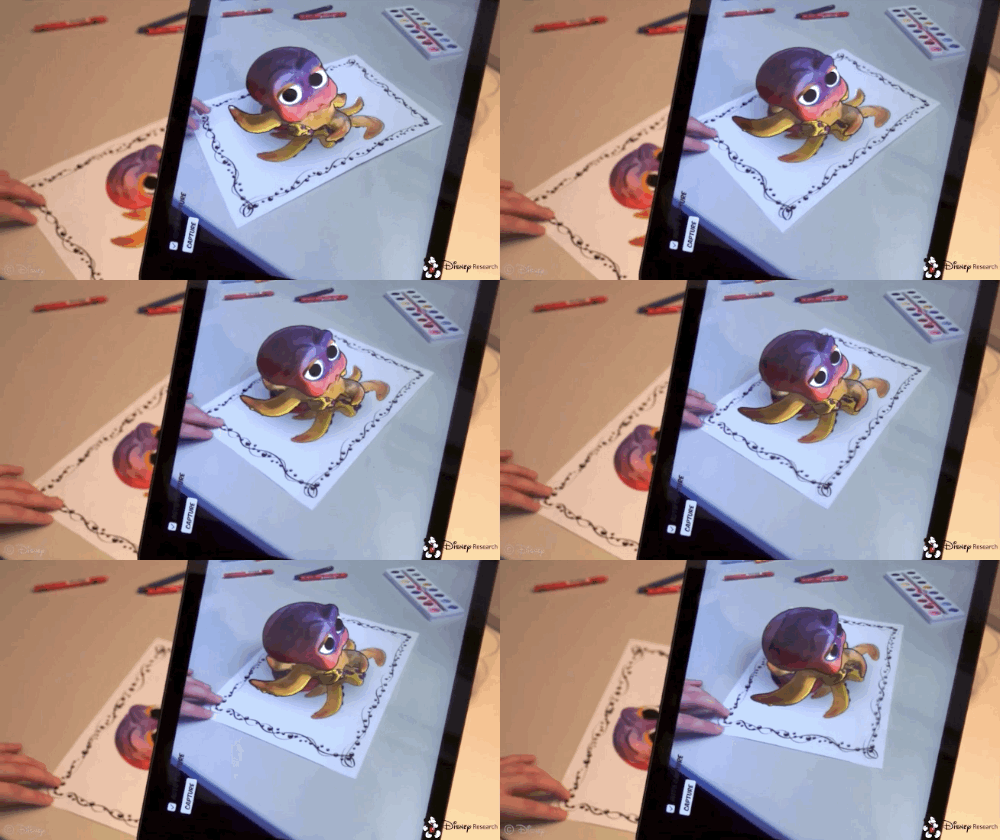
Discussion: How old do you think Virtual Reality (VR)/Augmented Reality (AR) is? What do you think was the first use of VR? Where do you...

Twitter Bots
For this project you must create a twitter bot, to make your twitter bot follow the following steps: Step 1: Twitter Account Go to...
Photoshop Fake a Glitch Pop Quiz
For this pop quiz, complete the following tasks: Demonstrate RGB shifts using both techniques from the video (blending options in the FX...

Lab: Pixel Sorting
Pixel sorting is a coded algorithm that sorts pixels in the rows/columns of images, depending on a variety of factors including color, brightness, etc., to create an interesting glitch effect. It was popularized (possibly invented) by artist Kim Asendorf. There are multiple ways to approach this type of glitch, I will show you how to use the code to make pixel sorted glitches, and also how to fake pixel sorted glitches in Photoshop. Directions: For this Lab you will need to
Follow Us


bottom of page