top of page

Autonomous
Soup
New Media Art by
Corrina Espinosa
Soup (Recipes)
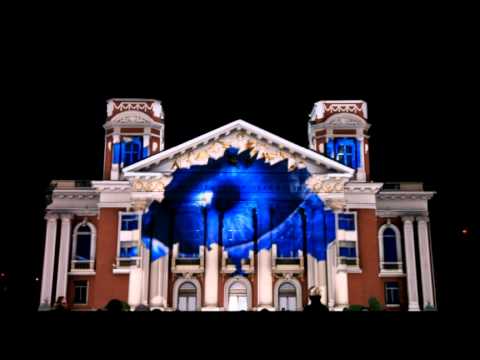
Digital Performance
Light Pollution/Hey VJ!! - You can choose between a Guerrilla style BYOB (bring your own beamer) projection mapping performance and/or VJ...


Datamosh
Glitch Noir - Film gets a remix by Hugh Manon Glitch Art and Video Glitch art is the practice of creating intentional flaws in sound, image and other files (such as jpg, wav, etc) for creative purposes. Artists intentionally break the file just enough to achieve surprising and serendipitous aesthetic outcomes, but not too much so that the file is no longer functional enough to open/play. It's a delicate balance of corruption. Here is a link to the Museum of Glitch Aesthetics
Follow Us


bottom of page