top of page

Autonomous
Soup
New Media Art by
Corrina Espinosa
Soup (Recipes)
WOW! Wide Open Whatever...
WOW! is the final project for the semester! Since you are now advanced digital artists, with DA1 and most of DA2 behind you, it's time to...

Twitter Bots
For this project you must create a twitter bot, to make your twitter bot follow the following steps: Step 1: Twitter Account Go to...
A Living Soul
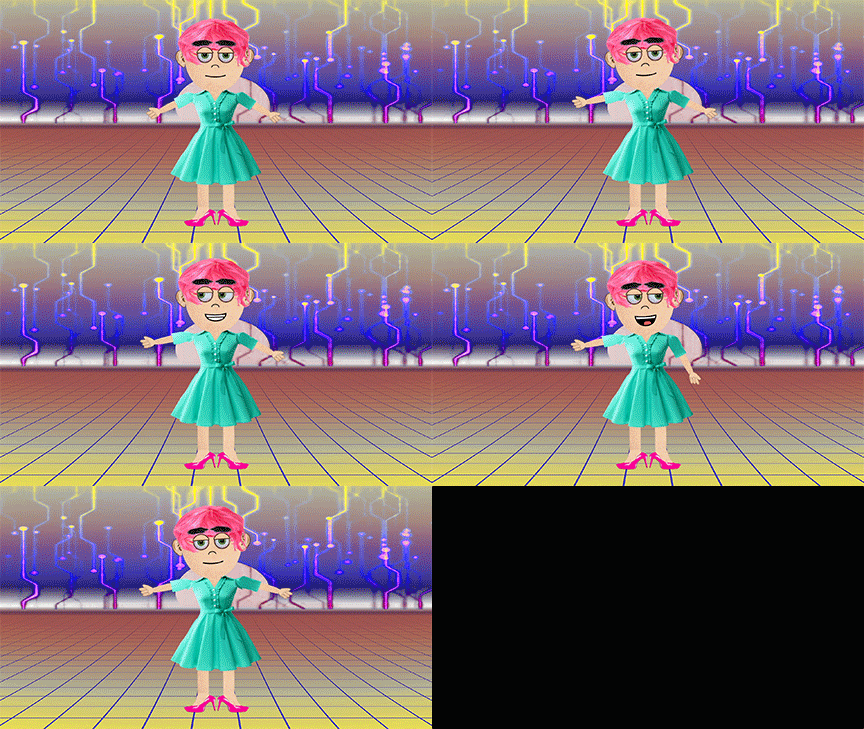
This is an Avatar I made in Adobe Character Animator. I will demo this software for you, and also introduce some alternatives. For this...
Photoshop Fake a Glitch Pop Quiz
For this pop quiz, complete the following tasks: Demonstrate RGB shifts using both techniques from the video (blending options in the FX...

Lab: Pixel Sorting
Pixel sorting is a coded algorithm that sorts pixels in the rows/columns of images, depending on a variety of factors including color, brightness, etc., to create an interesting glitch effect. It was popularized (possibly invented) by artist Kim Asendorf. There are multiple ways to approach this type of glitch, I will show you how to use the code to make pixel sorted glitches, and also how to fake pixel sorted glitches in Photoshop. Directions: For this Lab you will need to
Lab: Adobe Audition
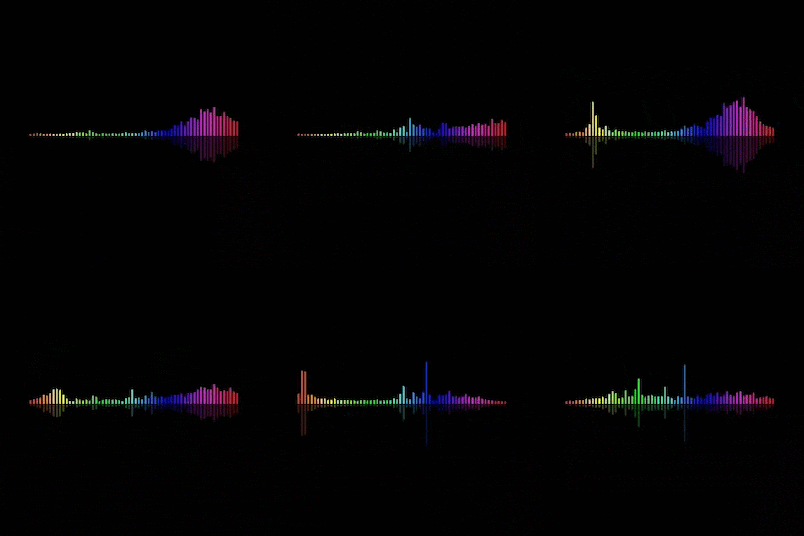
ADR: Subversion Through Sound Conceptual Learning Goals: Subversion. Recontextualization. Narrative Hijacking. You will take an existing video clip and completely replace the audio using Automated Dialogue Replacement (ADR). Your job is not to “improve” the original, but to transform it. Whether it turns out hilarious, dramatic, absurd, horrifying, tender, or unhinged is up to you! The final project must have: New dialogue recorded by you, that attempts to sync with moving l

Lab: Glitching images with text apps
For This Lab you will need to post 15 images on your blog: Step 1: Find 5 random images of visual interest. You cannot use these images again for your project, so focus on fun visual images and not conceptual images for now. Step 2: Save all 5 images in a folder Step 3: Glitch each image at least 2 times using the text editing technique described below. Save them each individually. You may have to attempt multiple times to get an effect. Step 4: Post the two best glitches for

Lab: Audacity Glitch
In this Lab tutorial you will learn how to glitch images using free, cross platform software called audacity. It's intended purpose is editing music, so let's break some files and see what we come up with! Follow these steps to complete this Lab. Choose 3 images to glitch. Glitch each one 3 times. When you are done, post BOTH the original 3 images and 3 different glitched images on your blog. Make sure you title your blog "Audacity Glitch Lab" STEP 1: Prepare your image in


Son of a Glitch!
Glitch in its natural habitat a "natural" glitch from Glitch Safari The technical term "glitch" means: a sudden, usually temporary malfunction or irregularity of equipment. These are glitches that occur spontaneously, and are sometimes found, observed and captured. For most people, when their computer, tv, or other tech device glitches it is a source of irritation-- it's not working properly. However, there are groups of people who appreciate the aesthetics of these glitches

Illustrator Lab
For this Lab you must choose an image from the internet and make a traced drawing of it in illustrator. I will only be demonstrating a few tools for this tutorial, but you are welcome to explore deeper into the software if you like. You will be graded on completing the following tasks: Use the pen tool to create organic shapes on top of your original image (as demonstrated in the video). For your shapes change the following: fill colors, transparency, stroke colors, stroke s
Follow Us


bottom of page