top of page

Autonomous
Soup
New Media Art by
Corrina Espinosa
Soup (Recipes)
Animate CC Pop Quiz
This pop quiz is just the very basics of how to use Animate CC including frame by frame animation, using onion skins, and using tweens. For this pop quiz, complete the following tasks to receive 25 pts. 1. Open Animate CC, choose a background color, make a ball bounce up and down using frame by frame animation, and squash and stretch. Follow the detailed instructions in the video below. 2. Make a ball bounce from the top left, to the middle bottom, and up to the top right of


After Effects Lab
Requirements 1. Prepare a set for your video in Photoshop: a. Size you image to 1920 x 1080 pixels, 150 dpi b. Find a background on google image search, and paste it in and size it to fit. c. Find a character with limbs that are separate from the body on google image search, must have free legs that can be used for a walking loop, and some sort of arms or tentacles to be manipulated. Paste it into your photoshop d
Premiere + Green Screen Lab
For this Lab you must complete the following tasks to receive 25pts. ***Remember to have EXCELLENT file management skills, as all time based media software works from live files. Never delete files unit after your project is finished, turned in and graded.*** Don't trust the lab computers for storage, don't trust Adobe Cloud for storage. Always keep a back-up on One Drive, or Google Drive. Demonstrate the following tasks: Import at least 2 videos Key out the greenscreen and p

Daydream Video Project
Day Dream Video Project - Use your cell phone (or any video recorder) to create a “real life” scene. Then transition your scene using effects to a "flashback" or "daydream" using animation. Then transition back to reality. I will show you how to edit video and introduce you to some helpful software and apps. Assignment guidelines: *Must have beginning, middle and end. Must have real (recorded video) and animation. FOCUS SHOULD BE ON THE ANIMATION ** *Transition can be any of


Datamosh
Glitch Noir - Film gets a remix by Hugh Manon Glitch Art and Video Glitch art is the practice of creating intentional flaws in sound, image and other files (such as jpg, wav, etc) for creative purposes. Artists intentionally break the file just enough to achieve surprising and serendipitous aesthetic outcomes, but not too much so that the file is no longer functional enough to open/play. It's a delicate balance of corruption. Here is a link to the Museum of Glitch Aesthetics

Class Blogs DA1 Spring 2020
Nick - https://nicknickauer1.wixsite.com/website Elise - https://elbo3249.wixsite.com/mysite Valerie - https://valeriecapone2.wixsite.c...


Photoshop Basics Lab
In order to get 25 points you must create an image in Photoshop and demonstrate the following tasks: Here is a link of the very basics of photoshop for your reference: https://lifehacker.com/learn-the-basics-of-photoshop-in-under-25-minutes-5753459 Intro Video (hint - the answers to the written questions are in this video) A quick but important tour of Photoshop's platform, and how to: Create a new photoshop file. In this video you will learn to complete the following tasks.
Animation
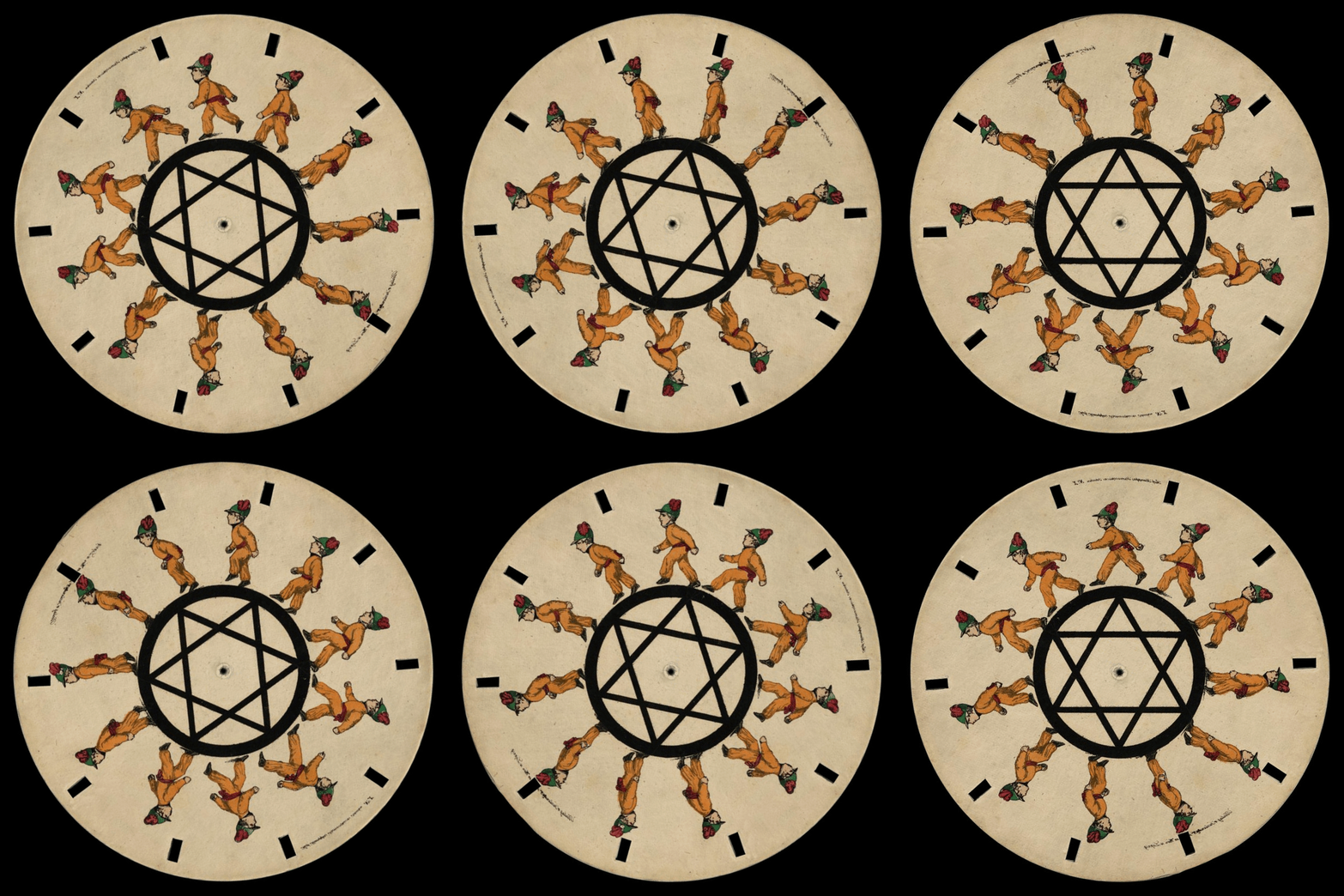
"The Phenakistoscope — a popular Victorian parlour toy, generally marketed for children — is widely considered to be among the earliest...

Class Blogs DA2 Fall 2019
Hailey: https://www.haileyannecarlson.com/ Bianca: https://mentalestate.tumblr.com/ Emily: https://emilylillianduffy.weebly.com/ Kirk:...

Class Blogs: DA1 Fall 2019
Eleanor: https://eleanoralicea.wixsite.com/class-blog Rob: https://roba7913.wixsite.com/mysite Sophie: https://sophiebenecick.wixsite.com...
Follow Us


bottom of page