top of page

Autonomous
Soup
New Media Art by
Corrina Espinosa
Soup (Recipes)
DA2 Spring 2023 student blogs
Amanda - https://amandaakerley.com/digital-art-blog/ Weiss - https://weisswolven.wixsite.com/weisswolven Katya -...

Intro to DA2 Spring '23
Welcome to DA2! Watch these videos to go over the class website, syllabus and schedule for this semester. Class Webpage: Everything you...

Lab: Getting Started with AI
For this Lab, spend some time exploring this list of AI generators. Use the bank of words, phrases and images you created from the last...
Lab: Random Generators
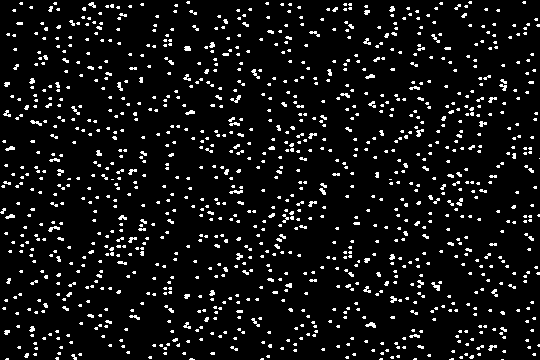
Random word(ish) Generators This is a list of random generators that could be considered a less deep form of AI. For this pop quiz, go through this list of random generators and spend a few minutes exploring each one. Post the results with the corresponding link on your blog for credit. You should end up with a bank of words, phrases, images, poems, songs and more! If you have trouble downloading images, take screenshots. You can take screenshots of words too. Later you will
Son of a Serendipitous Glitch!
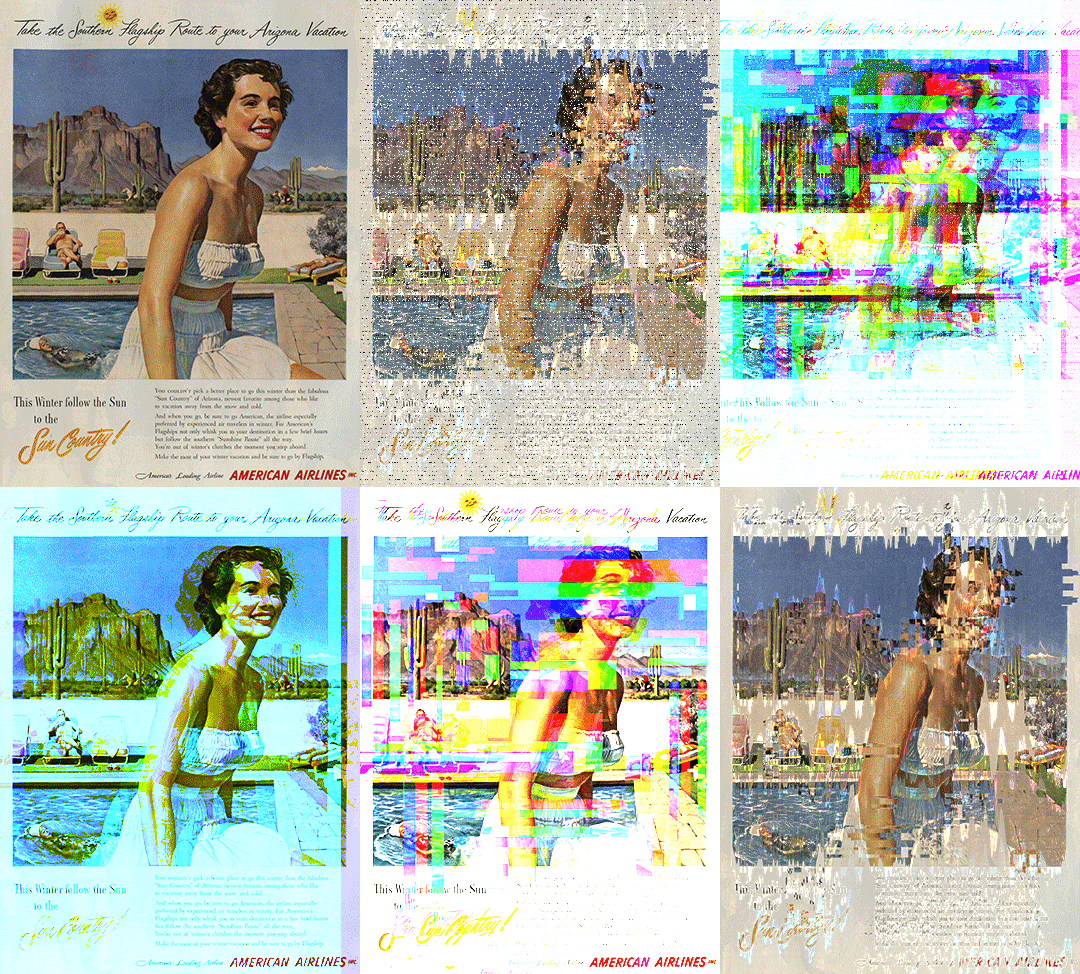
The Assignment: Son of a Serendipitous Glitch! Use random generators to gather words, phrases and images, input this random data into a variety of AI art generators and collect the output images to be further manipulated with a variety of glitch techniques. Go back and forth between the techniques until you are satisfied with the outcome. Make 1 infinite loop using AI (Photoshop Beta). The final product will be a small series of 10-15 curated images/gifs/videos created purely

Make a Thing in Blender
Description : Get ready to dive into the world of Blender as we embark on a journey to create virtual wearables. Using Blender, you'll...
Photoshop Fake a Glitch Pop Quiz
For this pop quiz, complete the following tasks: Demonstrate RGB shifts using both techniques from the video (blending options in the FX...

Lab: Pixel Sorting
Pixel sorting is a coded algorithm that sorts pixels in the rows/columns of images, depending on a variety of factors including color, brightness, etc., to create an interesting glitch effect. It was popularized (possibly invented) by artist Kim Asendorf. There are multiple ways to approach this type of glitch, I will show you how to use the code to make pixel sorted glitches, and also how to fake pixel sorted glitches in Photoshop. Directions: For this Lab you will need to

Lab: Audacity Glitch
In this Lab tutorial you will learn how to glitch images using free, cross platform software called audacity. It's intended purpose is editing music, so let's break some files and see what we come up with! Follow these steps to complete this Lab. Choose 3 images to glitch. Glitch each one 3 times. When you are done, post BOTH the original 3 images and 3 different glitched images on your blog. Make sure you title your blog "Audacity Glitch Lab" STEP 1: Prepare your image in


Datamosh
Glitch Noir - Film gets a remix by Hugh Manon Glitch Art and Video Glitch art is the practice of creating intentional flaws in sound, image and other files (such as jpg, wav, etc) for creative purposes. Artists intentionally break the file just enough to achieve surprising and serendipitous aesthetic outcomes, but not too much so that the file is no longer functional enough to open/play. It's a delicate balance of corruption. Here is a link to the Museum of Glitch Aesthetics
Follow Us


bottom of page