top of page

Autonomous
Soup
New Media Art by
Corrina Espinosa
Soup (Recipes)

WOW! Wide Open Whatever...
WOW! is the final project for the semester! Since you are now advanced digital artists, with DA1 and most of DA2 behind you, it's time to...

Twitter Bots
For this project you must create a twitter bot, to make your twitter bot follow the following steps: Step 1: Twitter Account Go to...
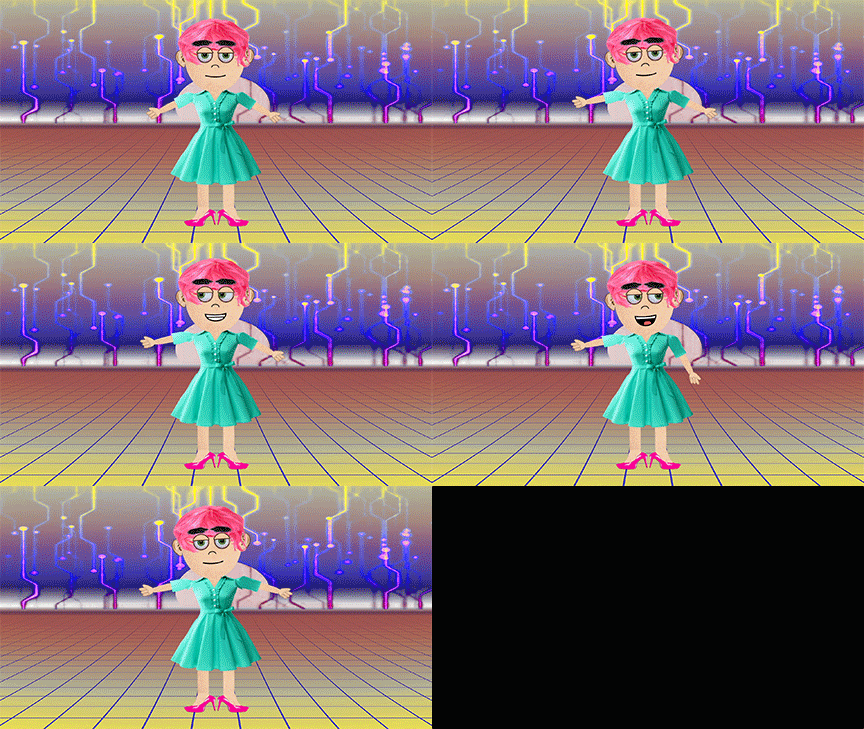
A Living Soul
This is an Avatar I made in Adobe Character Animator. I will demo this software for you, and also introduce some alternatives. For this...

Lab: Glitching images with text apps
For This Lab you will need to post 15 images on your blog: Step 1: Find 5 random images of visual interest. You cannot use these images again for your project, so focus on fun visual images and not conceptual images for now. Step 2: Save all 5 images in a folder Step 3: Glitch each image at least 2 times using the text editing technique described below. Save them each individually. You may have to attempt multiple times to get an effect. Step 4: Post the two best glitches for


Son of a Glitch!
Glitch in its natural habitat a "natural" glitch from Glitch Safari The technical term "glitch" means: a sudden, usually temporary malfunction or irregularity of equipment. These are glitches that occur spontaneously, and are sometimes found, observed and captured. For most people, when their computer, tv, or other tech device glitches it is a source of irritation-- it's not working properly. However, there are groups of people who appreciate the aesthetics of these glitches

Mad Mapper Pop Quiz
For this quiz take a screen recording of you completing the following tasks, upload to YouTube and post to your blog. 25pts. Download Mad Mapper, install it and open the software. Add at least 4 quads: 1 square 1 triangle 1 circle 1 organic shape using mesh warping Give 3 of the quads a generator of your choosing. Give the 4th quad a video Use a blend mode on 1 quad Change the opacity on another quad Change the color on all 3 of the generator quads Use and effect (FX) on the

VDMX Pop Quiz
Here is a short and concise video to walk you through the pop quiz. Complete the following tasks to get 25pts. import 4 videos into your media bin create 4 layers and assign 1 video for each one In the composition tab do the following: hide all but one layer turn the opacity down on the visible layer, turn it back up move the visible layer side to side, up and down, stretch it in each direction do the following things in layer source tab pause a video and play it again speed

DA2 Student Blogs Fall 2020
Group 1 Sydney - https://sybu2335.wixsite.com/digitalart2 Emma - https://emkl0627.wixsite.com/da2blog Shane - https://shpl7211.wixsite.co...
Digital Performance
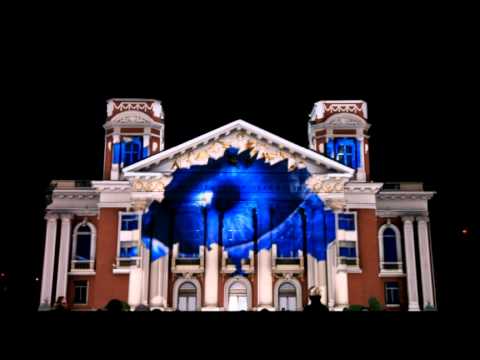
Light Pollution/Hey VJ!! - You can choose between a Guerrilla style BYOB (bring your own beamer) projection mapping performance and/or VJ...
Follow Us


bottom of page