top of page

Autonomous
Soup
New Media Art by
Corrina Espinosa
Soup (Recipes)

DA1 Student Blogs Spring 2023
SECTION 1 (12:20-2:50) JoJo - https://robe3312.wixsite.com/da1---spring-2023 Ellie - https://bohanonellie.wixsite.com/elliebohanonart23...

Intro to DA1 Spring 2023
Welcome to DA1! Watch these videos to go over the class website, syllabus and schedule for this semester. Class Webpage: Everything you...

Personality Quiz
Close your eyes. Pretend you are no longer yourself. Who are you? What is your name and what do you look like? Settle down into this...
Lab: Adobe Audition
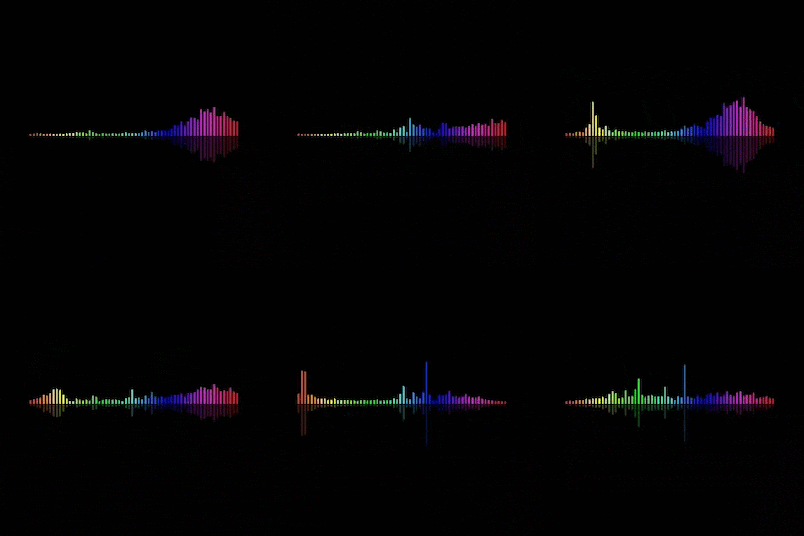
ADR: Subversion Through Sound Conceptual Learning Goals: Subversion. Recontextualization. Narrative Hijacking. You will take an existing video clip and completely replace the audio using Automated Dialogue Replacement (ADR). Your job is not to “improve” the original, but to transform it. Whether it turns out hilarious, dramatic, absurd, horrifying, tender, or unhinged is up to you! The final project must have: New dialogue recorded by you, that attempts to sync with moving li
Adobe Animate Lab
This pop quiz is just the very basics of how to use Animate CC including frame by frame animation, using onion skins, and using tweens. For this pop quiz, complete the following tasks to receive 25 pts. 1. Open Animate CC, choose a background color, make a ball bounce up and down using frame by frame animation, and squash and stretch. Follow the detailed instructions in the video below. 2. Make a ball bounce from the top left, to the middle bottom, and up to the top right of

Daydream Video Project
Day Dream Video Project - Use your cell phone (or any video recorder) to create a “real life” scene. Then transition your scene using effects to a "flashback" or "daydream" using animation. Then transition back to reality. I will show you how to edit video and introduce you to some helpful software and apps. Assignment guidelines: *Must have beginning, middle and end. Must have real (recorded video) and animation. FOCUS SHOULD BE ON THE ANIMATION ** *Transition can be any of


Choose Your Own Webventure!
IMG: my body — a Wunderkammer by Shelley Jackson Choose Your Own Webventure - For this project you will create an interactive web...


Faux Selfies
Faux Selfies - Create an artificial persona or alter ego and create a series of 12 faux selfies of this artificial character. Use...
Follow Us


bottom of page