top of page

Autonomous
Soup
New Media Art by
Corrina Espinosa
Soup (Recipes)

Build-a-bird Tutorial
Step 1: block out the basic shape of your bird by extruding a cube into vertical sections. Step 2: loop cut your cube bird to create a...
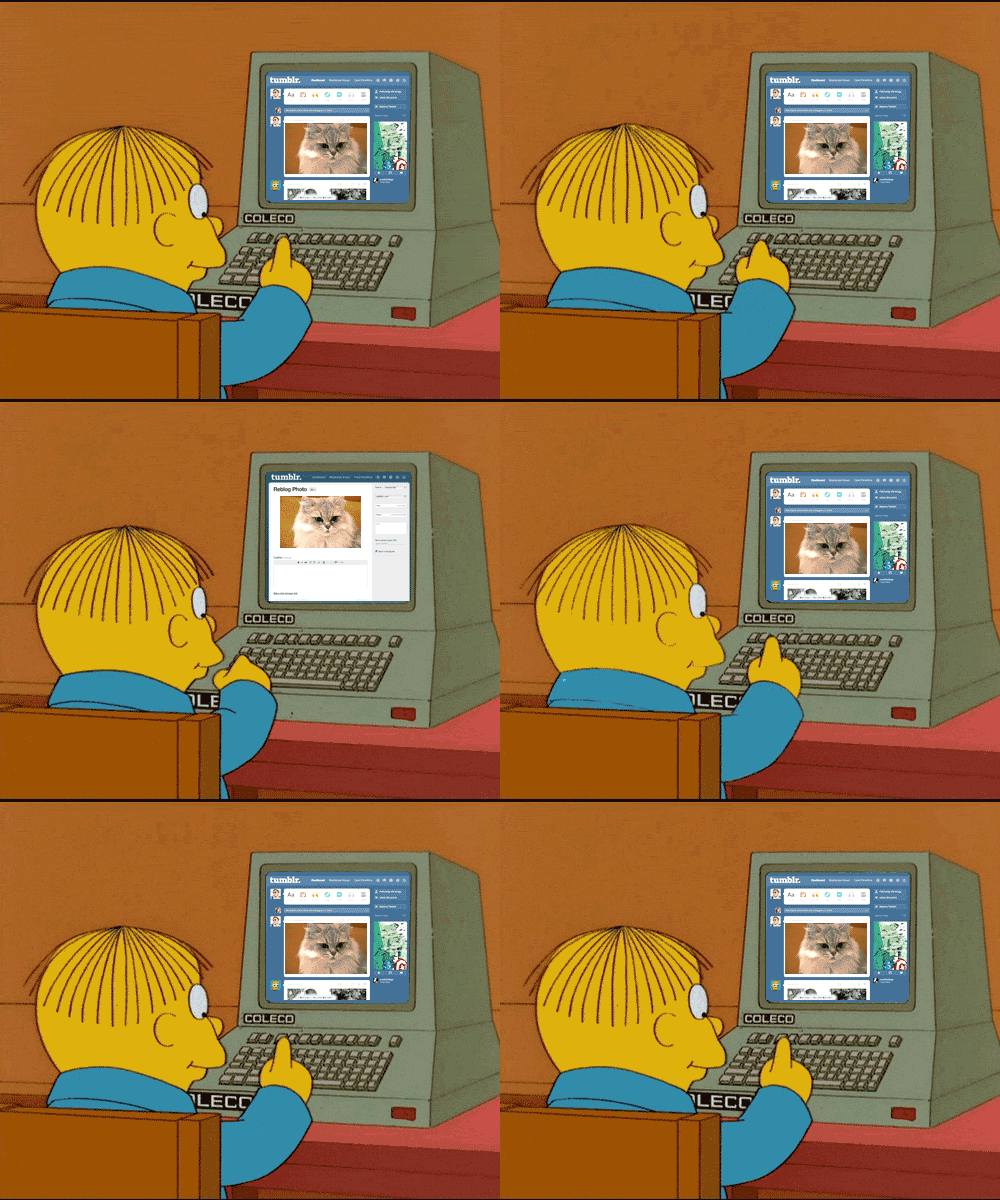
Fall 2024 DA2 Student Blogs
Skye Armstrong - https://skyelararmstrong4.wixsite.com/my-site Solus Thompson: https://gwth6090.wixsite.com/summumregni Ethan Cherry -...

Lab: Getting Started with AI
For this Lab, spend some time exploring this list of AI generators. Use the bank of words, phrases and images you created from the last...
Lab: Random Generators
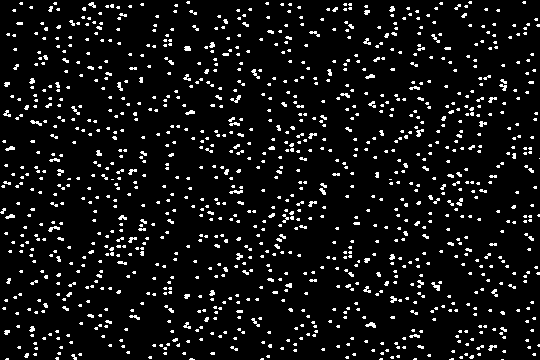
Random word(ish) Generators This is a list of random generators that could be considered a less deep form of AI. For this pop quiz, go through this list of random generators and spend a few minutes exploring each one. Post the results with the corresponding link on your blog for credit. You should end up with a bank of words, phrases, images, poems, songs and more! If you have trouble downloading images, take screenshots. You can take screenshots of words too. Later you will
Son of a Serendipitous Glitch!
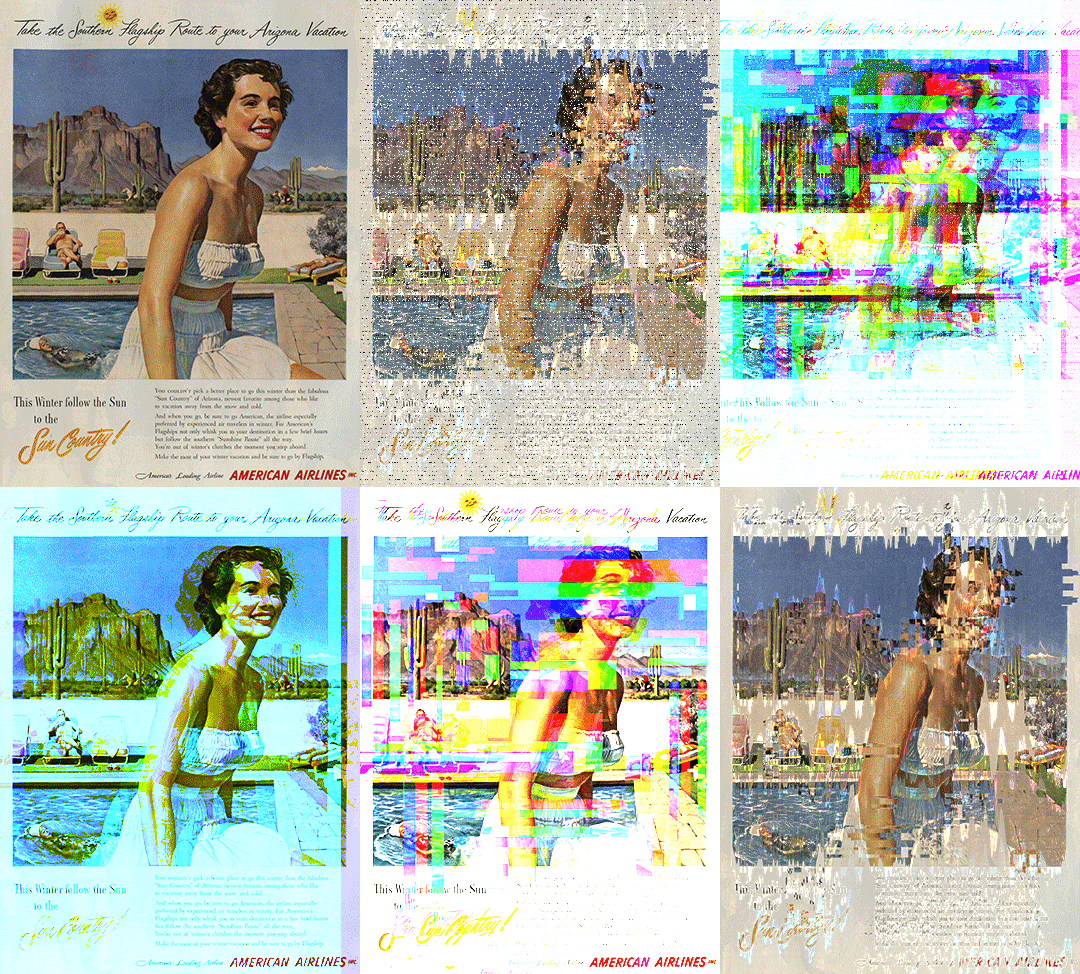
The Assignment: Son of a Serendipitous Glitch! Use random generators to gather words, phrases and images, input this random data into a variety of AI art generators and collect the output images to be further manipulated with a variety of glitch techniques. Go back and forth between the techniques until you are satisfied with the outcome. Make 1 infinite loop using AI (Photoshop Beta). The final product will be a small series of 10-15 curated images/gifs/videos created purely
Class Notes for Blender
Basic Hot Keys: G - Move, + X, Y, Z axis (add a number to move a certain amount of units) S - Scale, + X, Y, Z axis (add a number to move a certain amount of units) R - Rotate, + X, Y, Z axis -90 degree, etc. E - Extrude A - select all, AA - deselect all Shift D - duplicate, + X, Y, Z axis x - delete tab - edit mode/object mode hold down option to select multiple edges/faces in a row. **Always add objects in object mode **Edit them in Edit mode Add > mesh - where add your sh

Make a Thing in Blender
Description : Get ready to dive into the world of Blender as we embark on a journey to create virtual wearables. Using Blender, you'll...
Photoshop Fake a Glitch Pop Quiz
For this pop quiz, complete the following tasks: Demonstrate RGB shifts using both techniques from the video (blending options in the FX...

Lab: Glitching images with text apps
For This Lab you will need to post 15 images on your blog: Step 1: Find 5 random images of visual interest. You cannot use these images again for your project, so focus on fun visual images and not conceptual images for now. Step 2: Save all 5 images in a folder Step 3: Glitch each image at least 2 times using the text editing technique described below. Save them each individually. You may have to attempt multiple times to get an effect. Step 4: Post the two best glitches for
Light Pollution
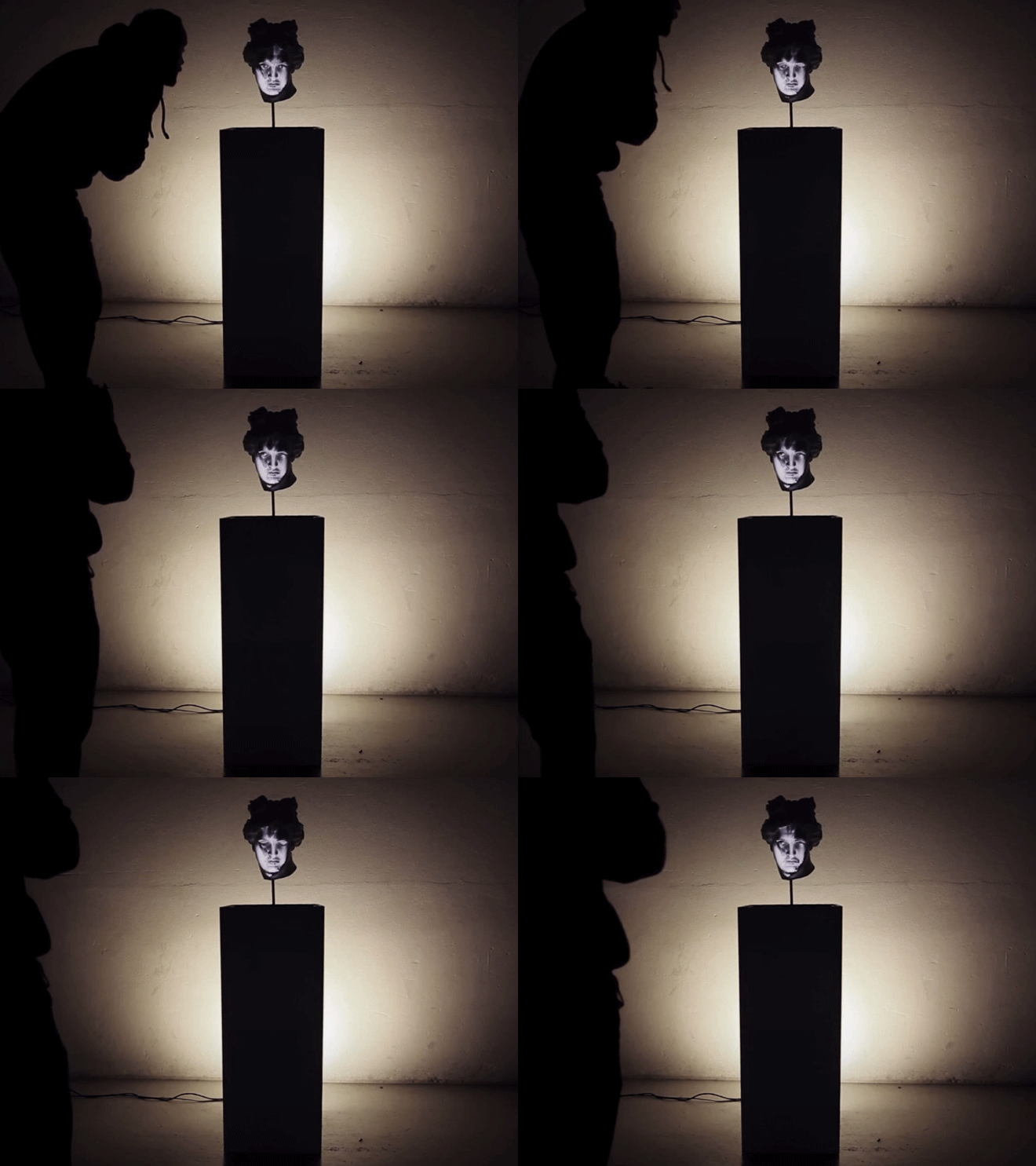
Project 3: Light Pollution Good-ol'-Guerrilla-style BYOB (Bring Your Own Beamer) VJ Projection Mapping Get ready to ignite the night...
Follow Us


bottom of page